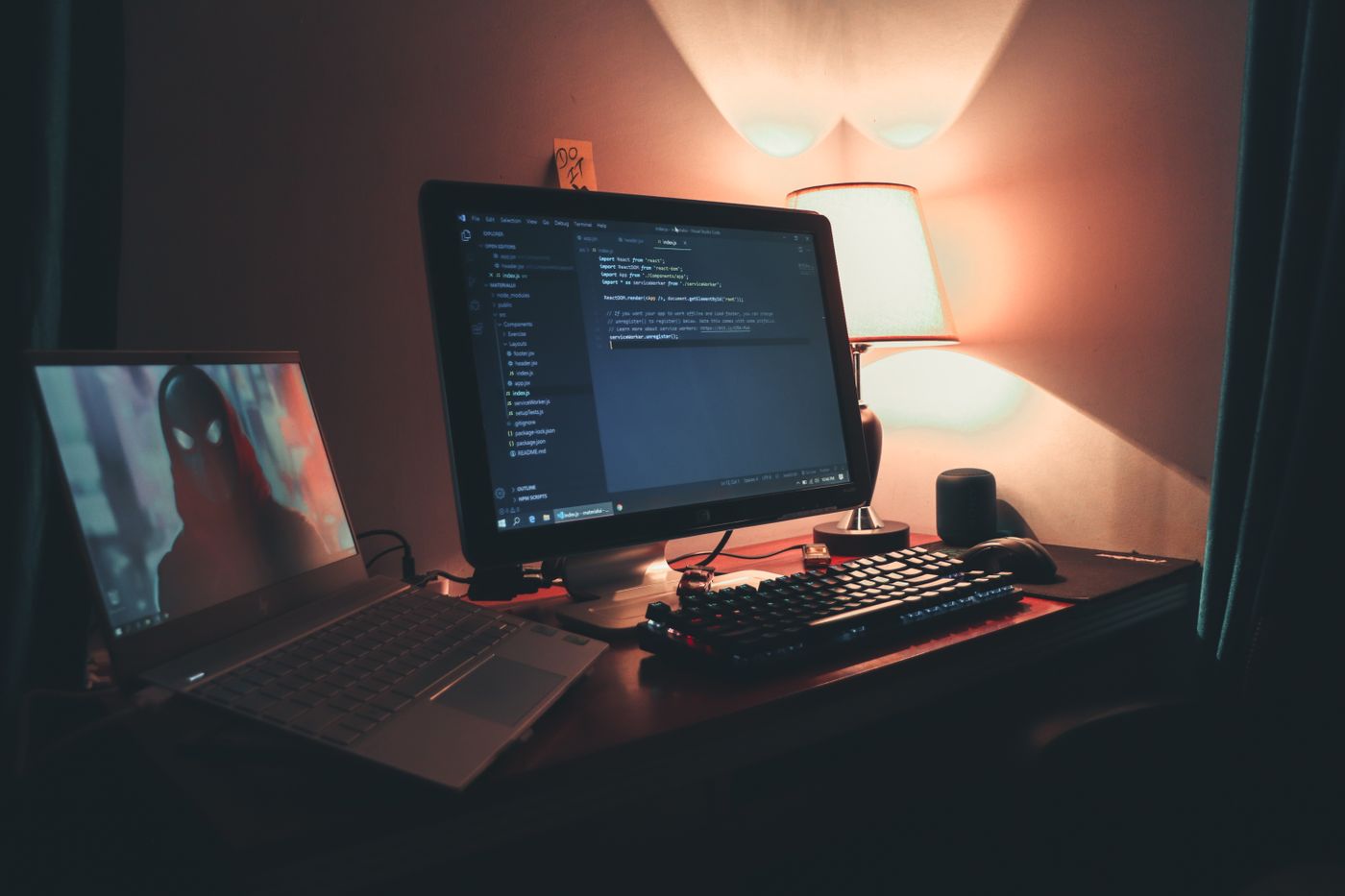
Every desktop and laptop is the same six parts: CPU (brain), RAM (short-term memory), storage (long-term memory, SSD (Solid State Drive) or HDD (Hard Disk Drive)), motherboard (the spine), PSU (power), and peripherals.
Common failures: failing SSD shows up as slow boots and SMART errors; bad RAM shows up as random blue screens; PSU failure shows up as 'it won't turn on at all'.
Always discharge static (touch a grounded metal frame, or wear a strap) before opening a case. Document the model and serial before disassembly.